Build Status: Difference between revisions
Jump to navigation
Jump to search
(Created page with " {{PageSection |title=Summary |content= {{ImageBox|image=Journal.png}} The journal lets you manage your tasks and stay up to date on their progress, in the journal screen you can: *Check your current task list and filter the list by the type of task *Check the details and rewards for each task in your list *Pin tasks to the top left of your screen *Set a task as your Thatterway target *Remove a task that you don't want to complete You can also access the Calendar,...") |
(No difference)
|
Revision as of 14:36, 30 December 2024
Summary

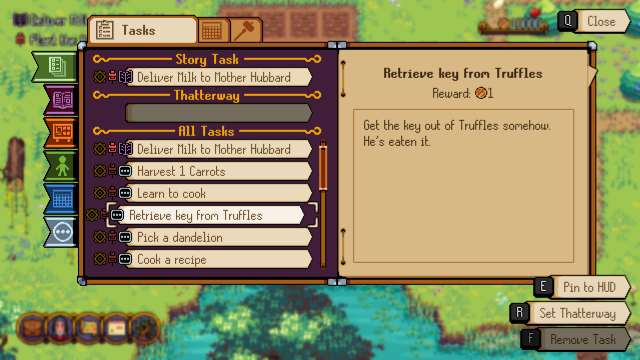
The journal lets you manage your tasks and stay up to date on their progress, in the journal screen you can:
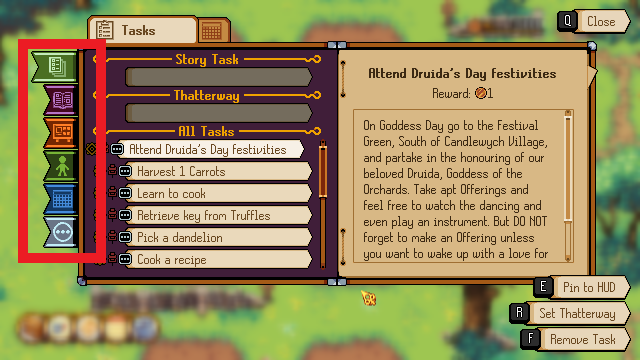
- Check your current task list and filter the list by the type of task
- Check the details and rewards for each task in your list
- Pin tasks to the top left of your screen
- Set a task as your Thatterway target
- Remove a task that you don't want to complete
You can also access the Calendar, Build Status and Event Logger from the Journal via the tabs at the top.
Filter Tabs
